Vibe Coding guide
Learn what Vibe Coding is, how to choose tools, and how to work with AI from the first idea to a verified web product. A free practical course with exercises and templates.
A small request service, from brief to verified preview
Each module adds an artifact to one project. Every lesson includes an explanation, a worked example, a step-by-step exercise, completion criteria, and a downloadable template.
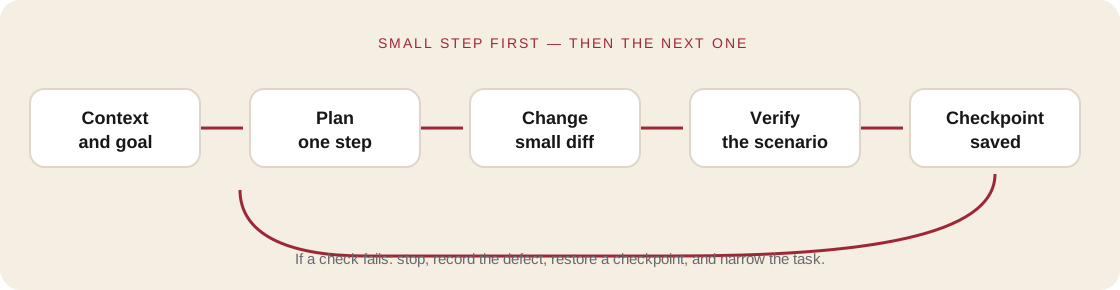
Module 1. Turn an idea into a testable problem
Narrow an idea to one user journey, write acceptance criteria, and define what “done” means.
Module 2. Choose a development environment for the task
Compare visual builders and coding agents by control, portability, integrations, and the support your project needs.
Module 3. Give an AI agent a task you can review
Create a small project spec, give the agent context, and turn a vague request into a reviewable change.
Module 4. Build one complete user journey
Replace a long feature list with one user journey that works from the first screen through a verified outcome.
Module 5. Connect data without exposing it to everyone
Choose where requests live, review access rules, and keep API secrets out of the browser.
Module 6. Verify behavior, not your impression
Create a compact set of manual and automated checks for form behavior, errors, accessibility, and mobile layouts.
Module 7. Publish a preview and plan a rollback
Separate work-in-progress from production, check the release candidate, and prepare a recovery path.
Module 8. Present the project and defend your decisions
Combine the brief, working journey, tests, and release plan into a project another person can run and review.